What amadeOS adds to Debian
Debian brings the kernel, the drivers, the X server, systemd and thousands of programs. amadeOS adds the desktop on top: ten packages from the repository amadeos-system, all written in Java.
Debian underneath, amadeOS on top
amadeOS does not replace any part of Debian. Its packages are ordinary Debian packages that use Debian's services: PAM to log in, logind for the session, polkit for administrator rights, NetworkManager, CUPS and apt.
From Debian 13
| Linux kernel, firmware and drivers |
| Xorg (X11), Mesa, fonts |
| systemd, logind, PAM, polkit |
| NetworkManager, CUPS, PipeWire |
| apt, dpkg, AppStream, unattended-upgrades |
| OpenJDK 25, GRUB, live-boot |
| Firefox ESR, LibreOffice and the whole Debian archive |
From amadeos-system
| Package | What it is |
|---|---|
amadeos-dm | Display manager and login screen |
amadeos-session | Session, screen lock, screen saver, polkit agent, clipboard manager |
amadeos-wm | Window manager with Motif frames and four workspaces |
amadeos-panel-cde | The Front Panel with its drawers |
amadeos-settings | Settings, formerly the Style Manager |
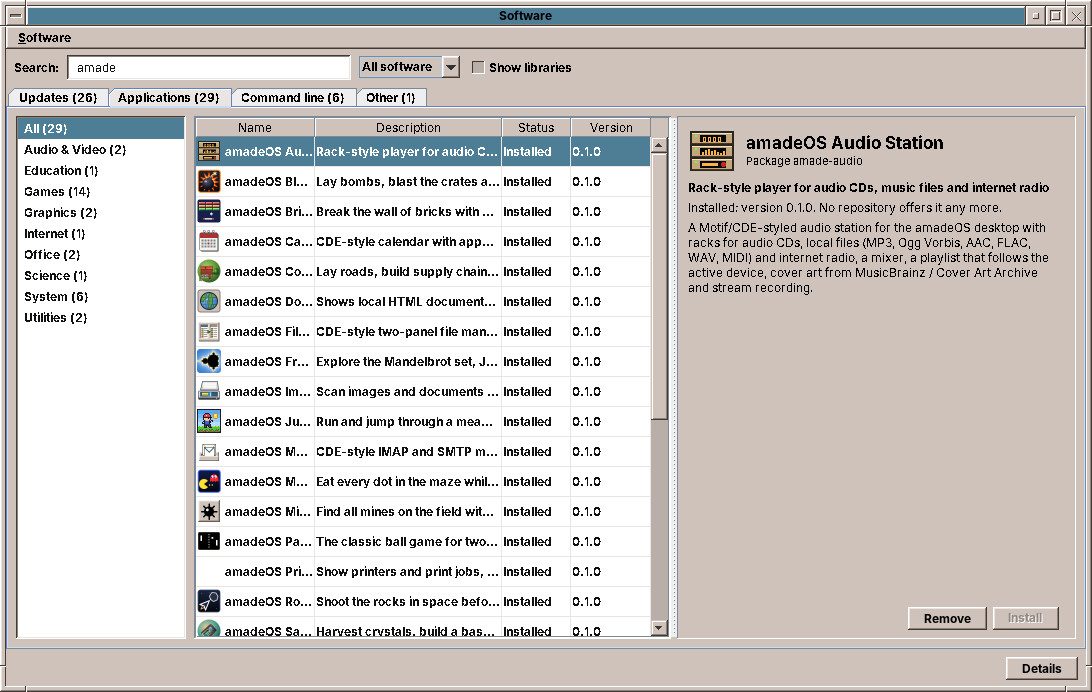
amadeos-software | Software: install, update and remove programs |
amadeos-packages | The administrator helper behind updates and Software |
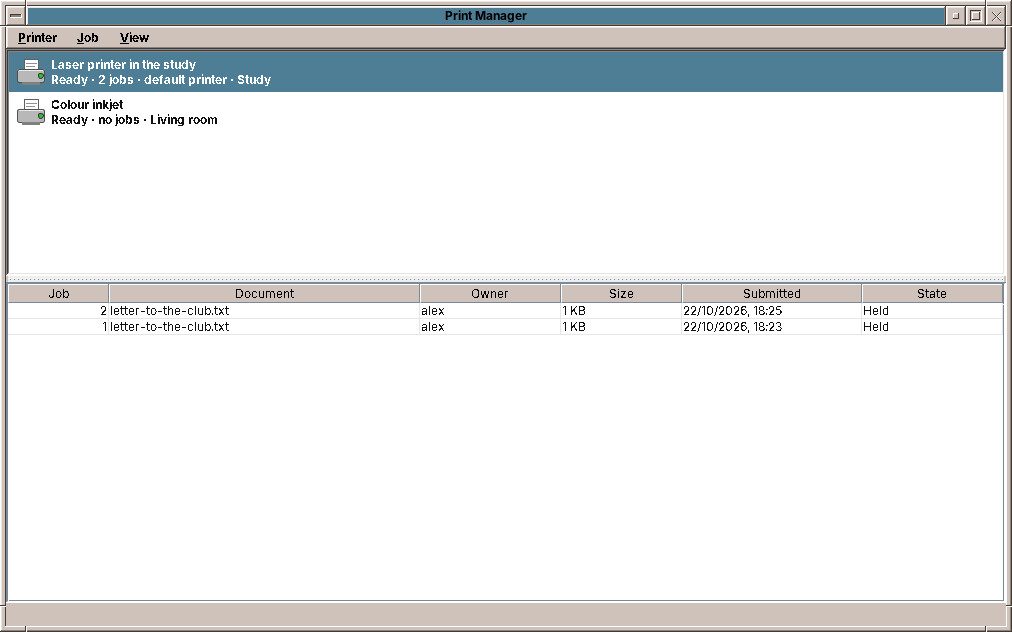
amadeos-print | Print Manager |
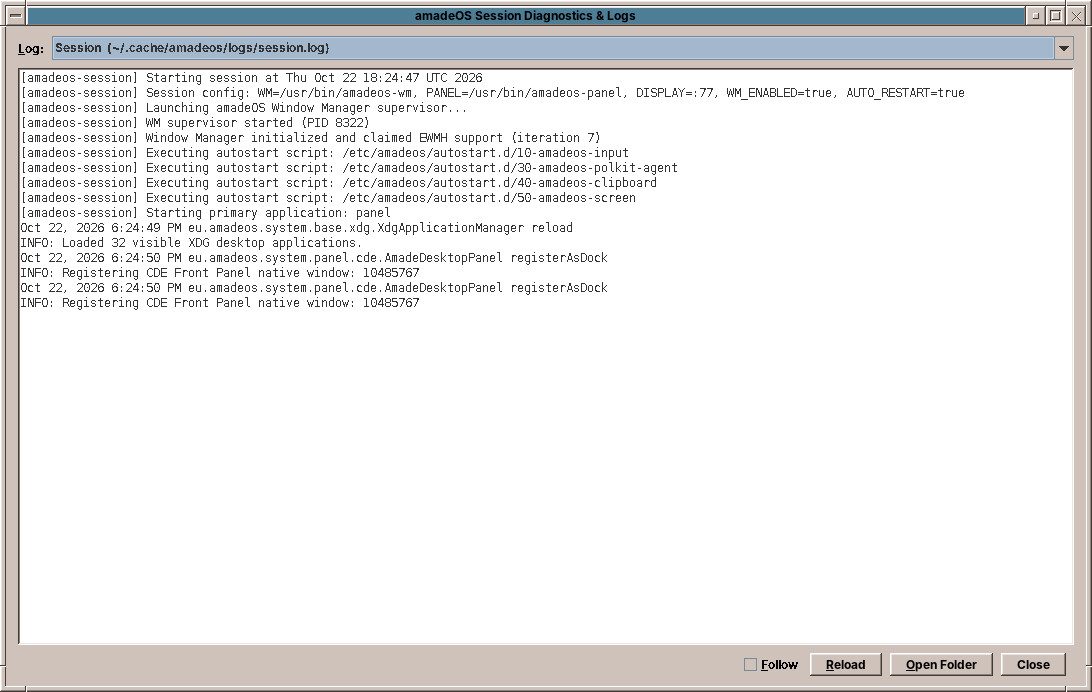
amadeos-logviewer | Session Diagnostics & Logs |
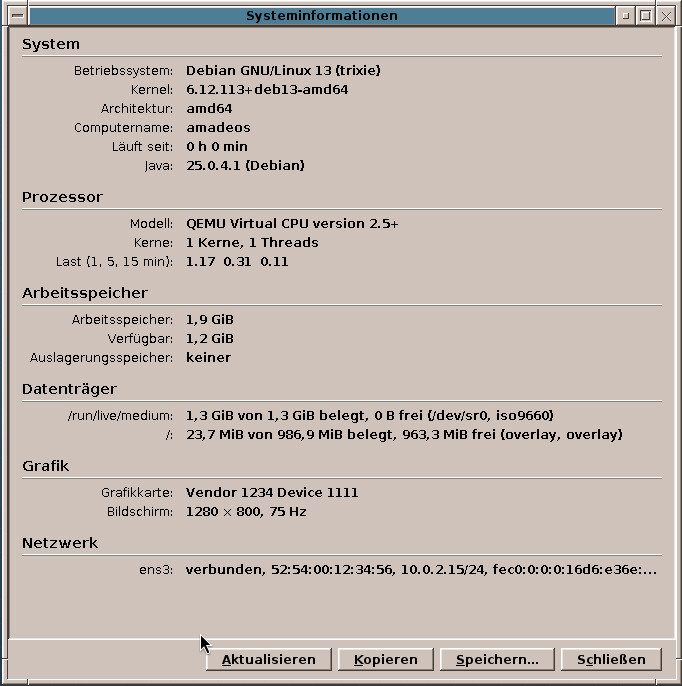
amadeos-sysinfo | System Information |
From power-on to the desktop
Display manager
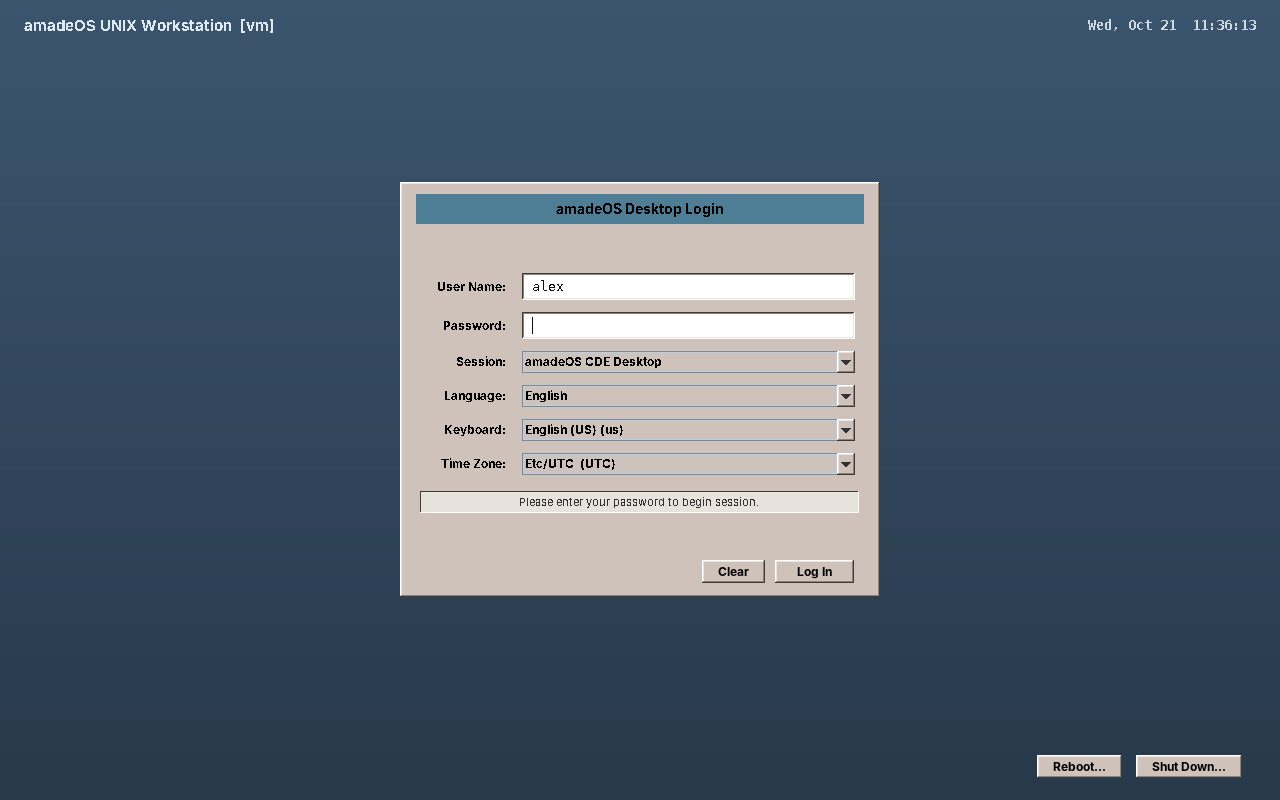
A systemd service starts Xorg and the login screen. It checks the password through PAM in a separate root process, opens a logind session and starts the desktop as the user, in the language, keyboard layout and time zone chosen on the login screen.
Session
Starts the window manager and restarts it if it fails, runs the start-up scripts and your own programs, then the Front Panel. Programs started from the panel each write a log of their own.
Window manager
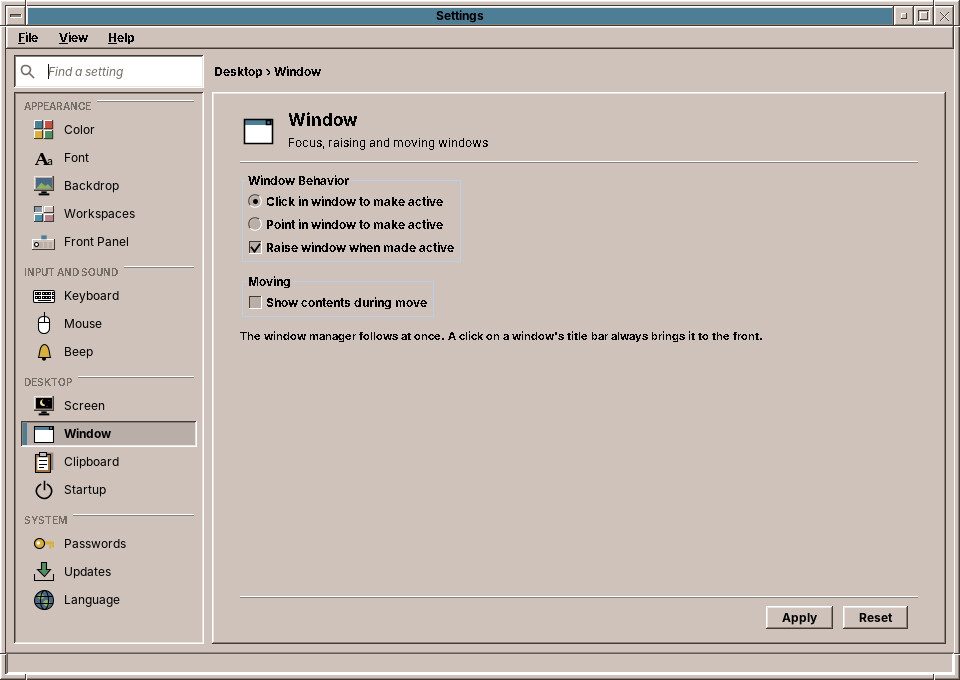
A floating, reparenting X11 window manager: Motif frames with the CDE window menu, move and resize, minimise to desktop icons, four workspaces, the workspace menu, and the ICCCM and EWMH standards, so programs not written in Java work as well.
Front Panel
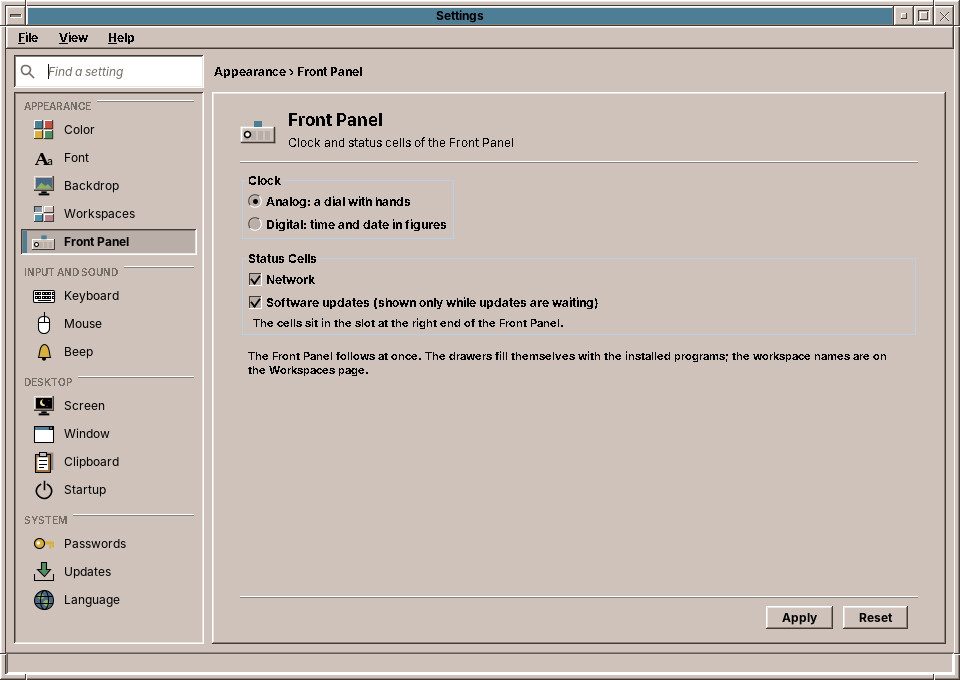
Clock, calendar, workspace switch, lock and language buttons, network and updates cells, and drawers that fill themselves from the installed programs' desktop entries and follow every install.
Lock and screen saver
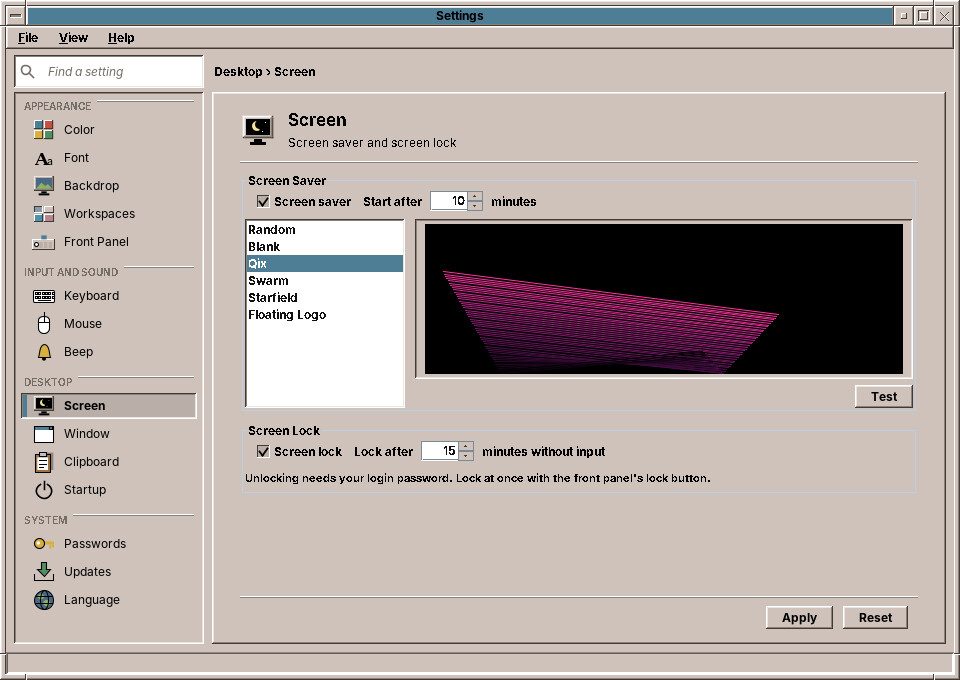
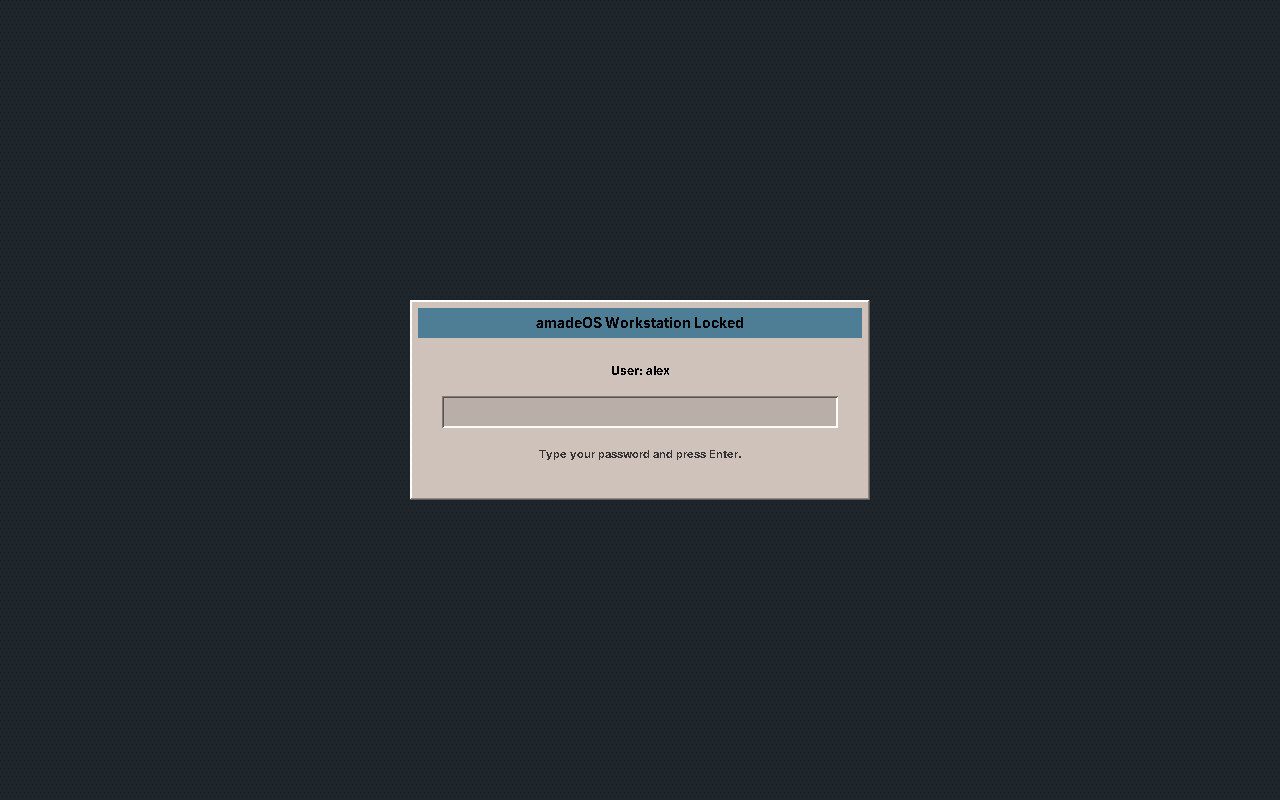
The screen saver uses the X server's idle time, shows a module (Qix, Swarm, Starfield, Floating Logo) and locks the screen. The lock grabs keyboard and mouse and asks for the password through PAM.
Clipboard manager
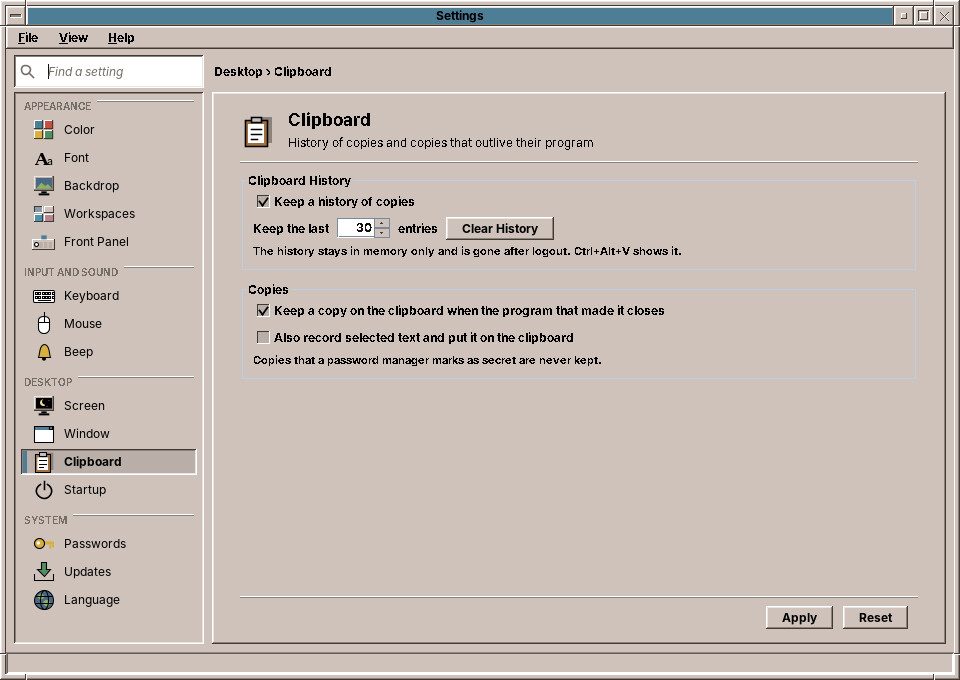
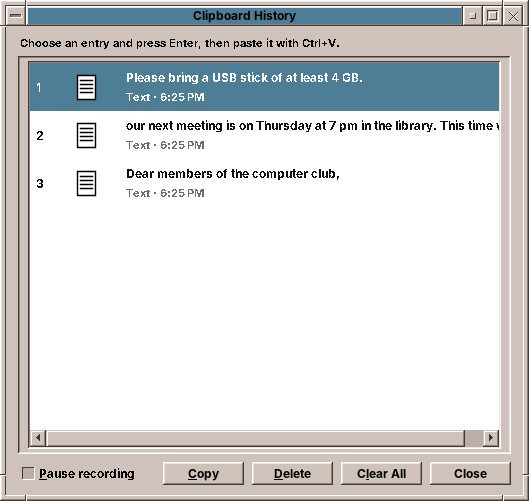
Keeps a history of what you copied, in memory only, and keeps a copy alive when the program that made it closes. Copies that a password manager marks as secret are left out.
All settings in one place
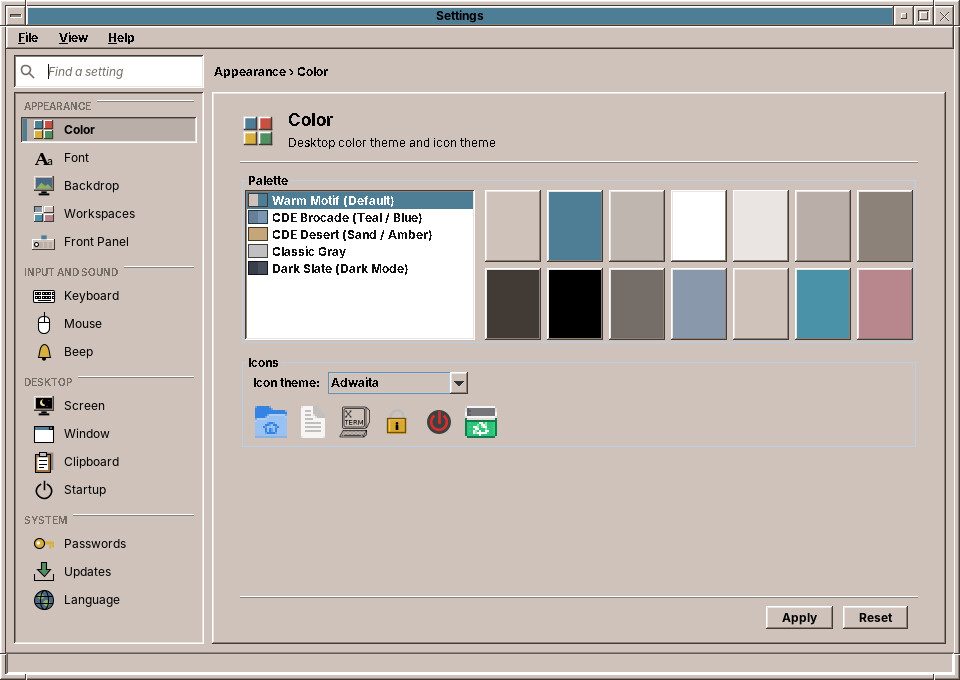
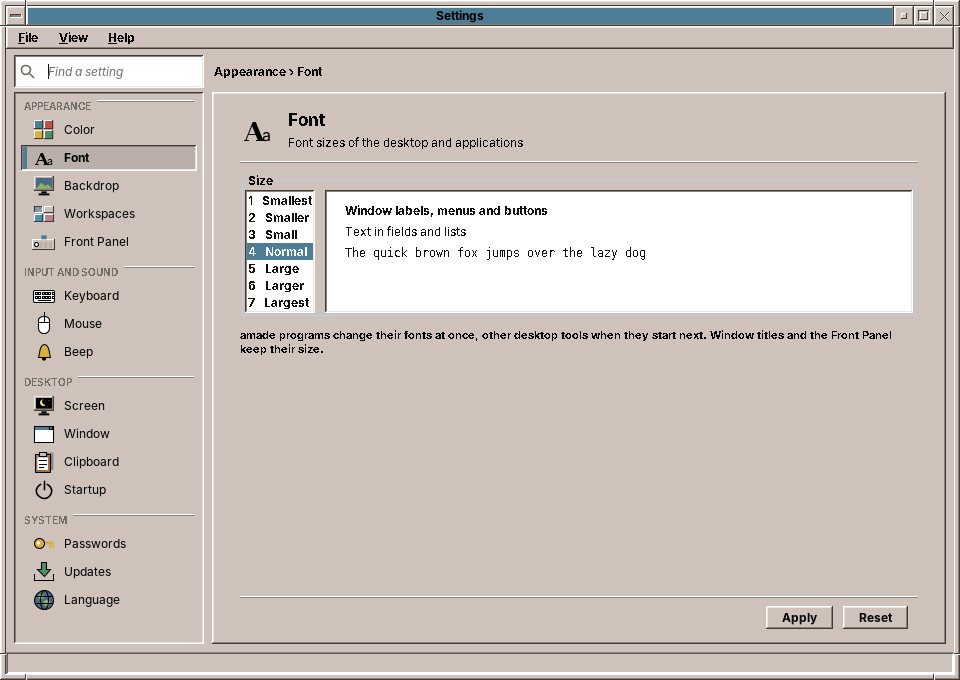
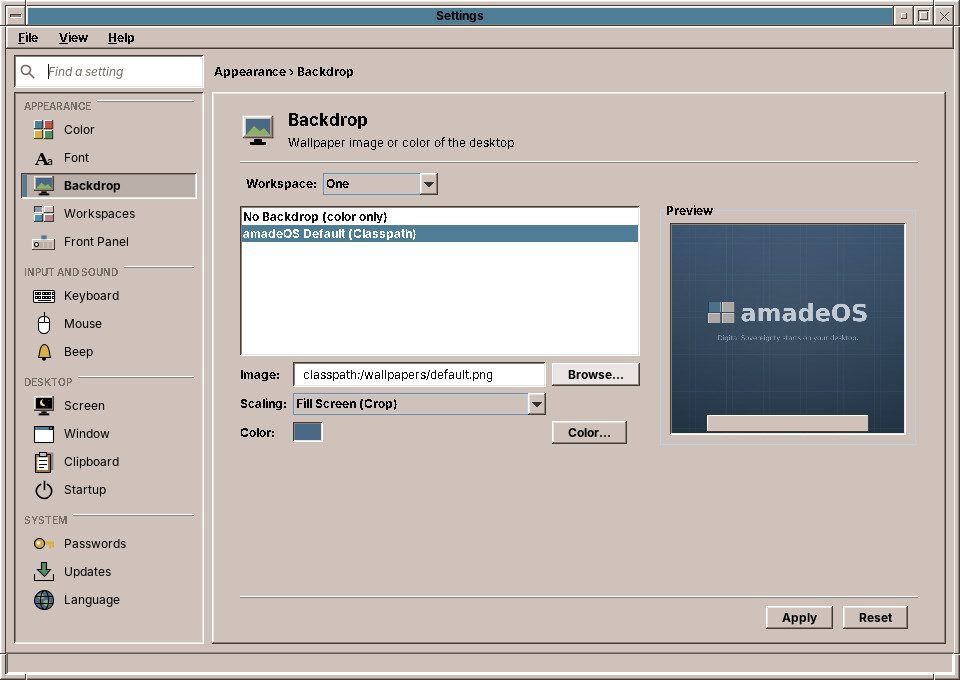
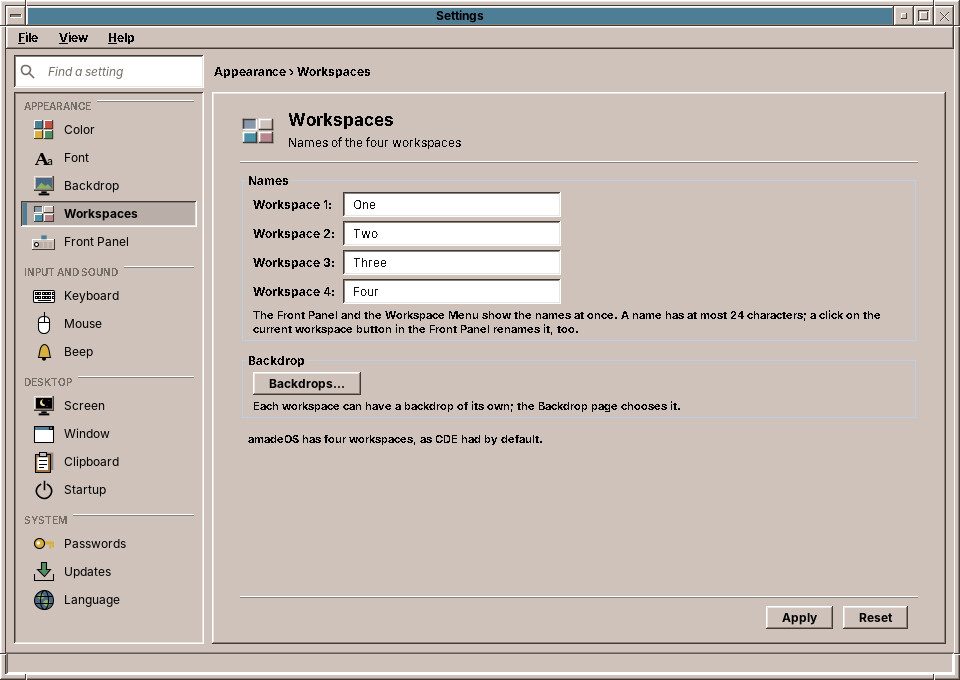
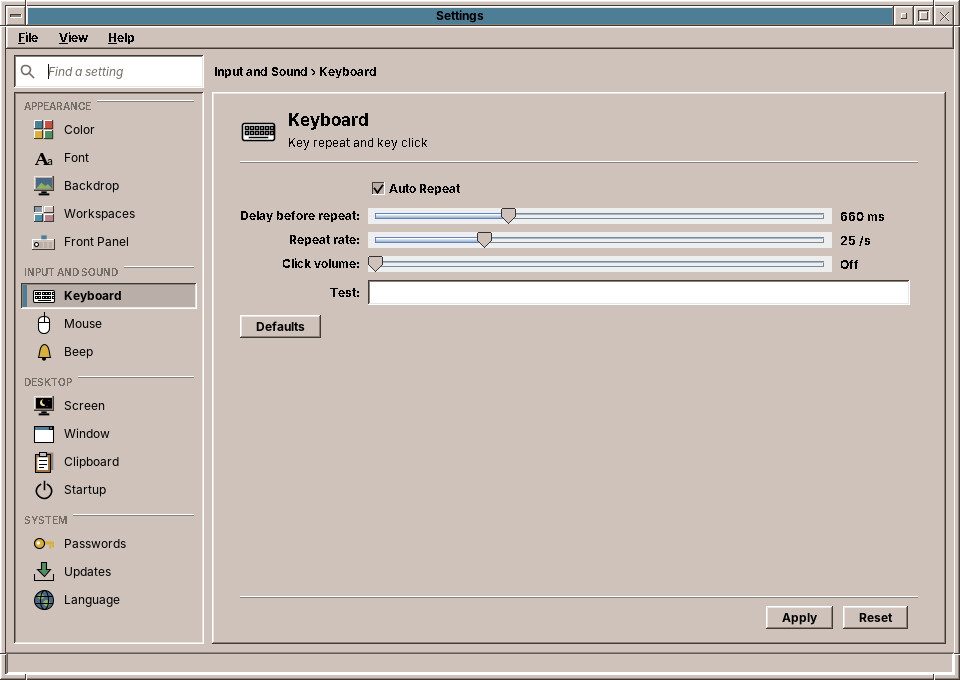
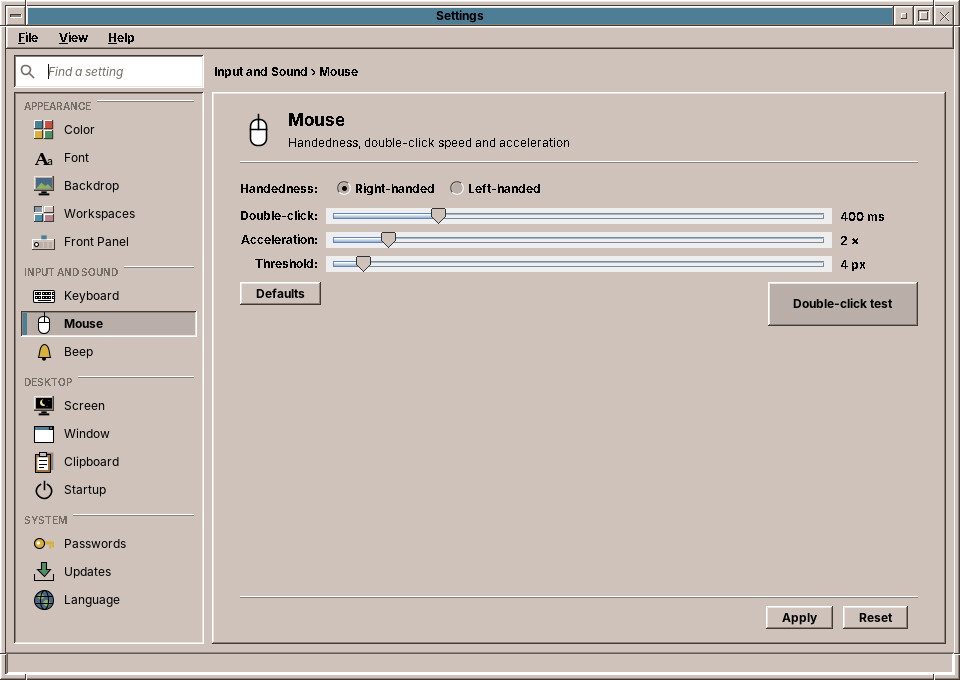
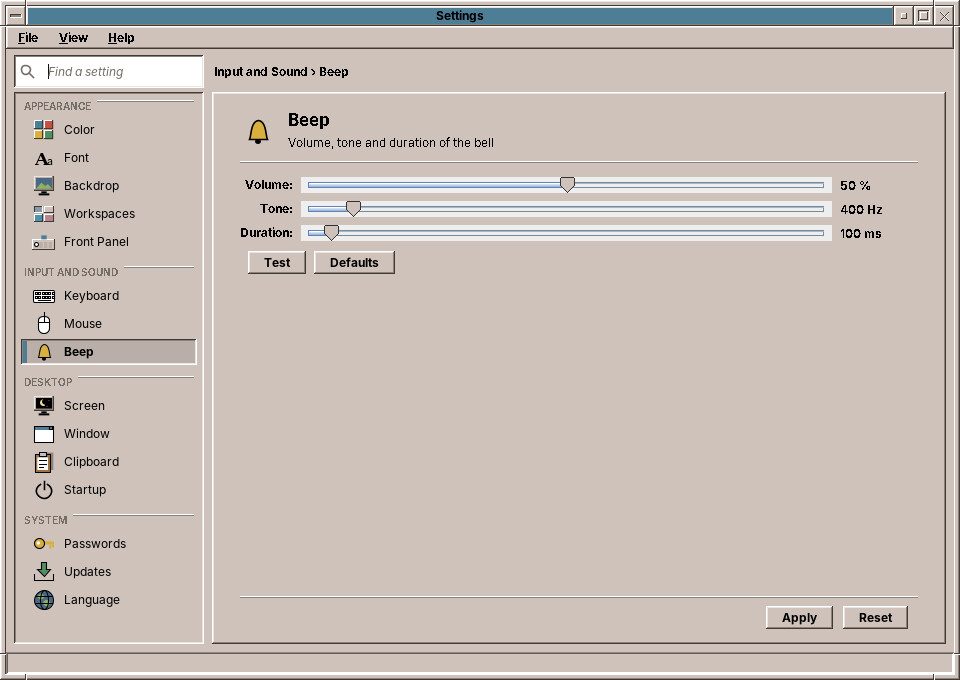
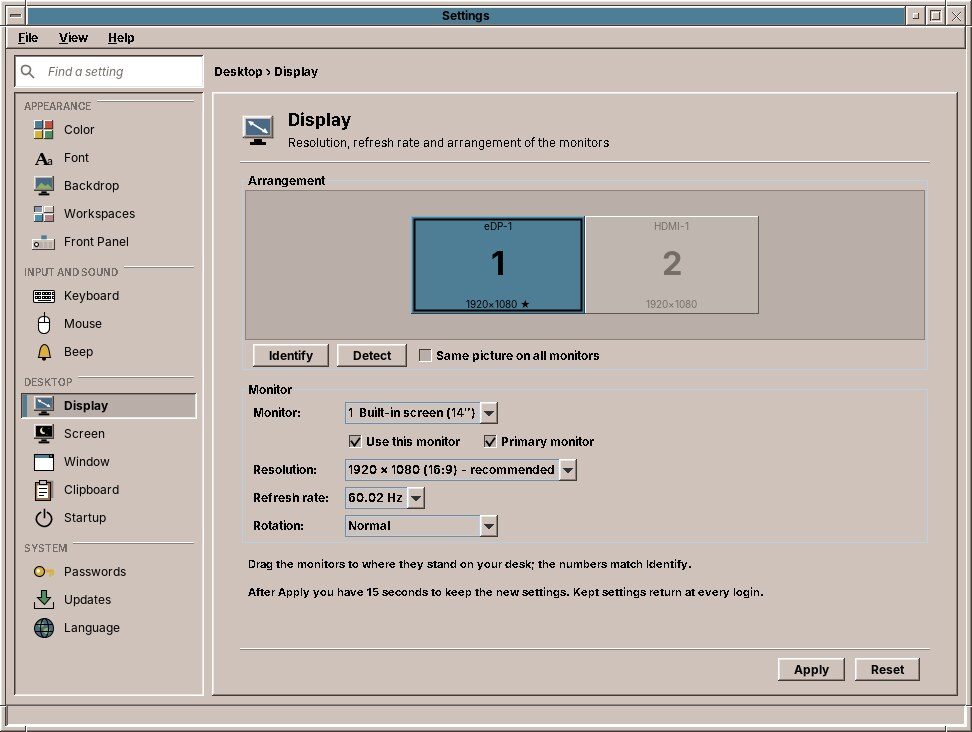
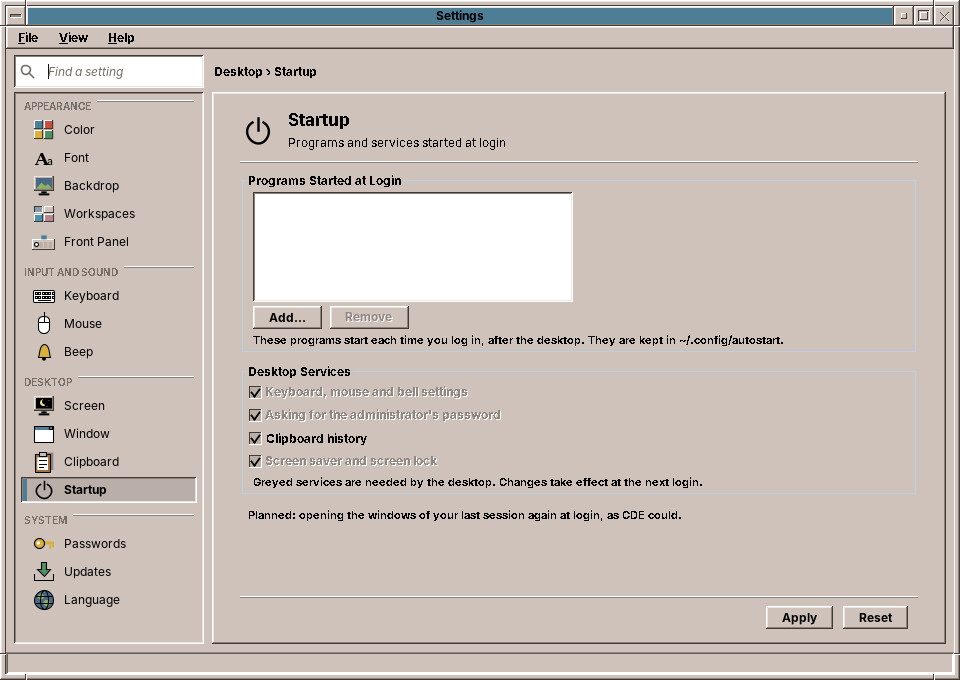
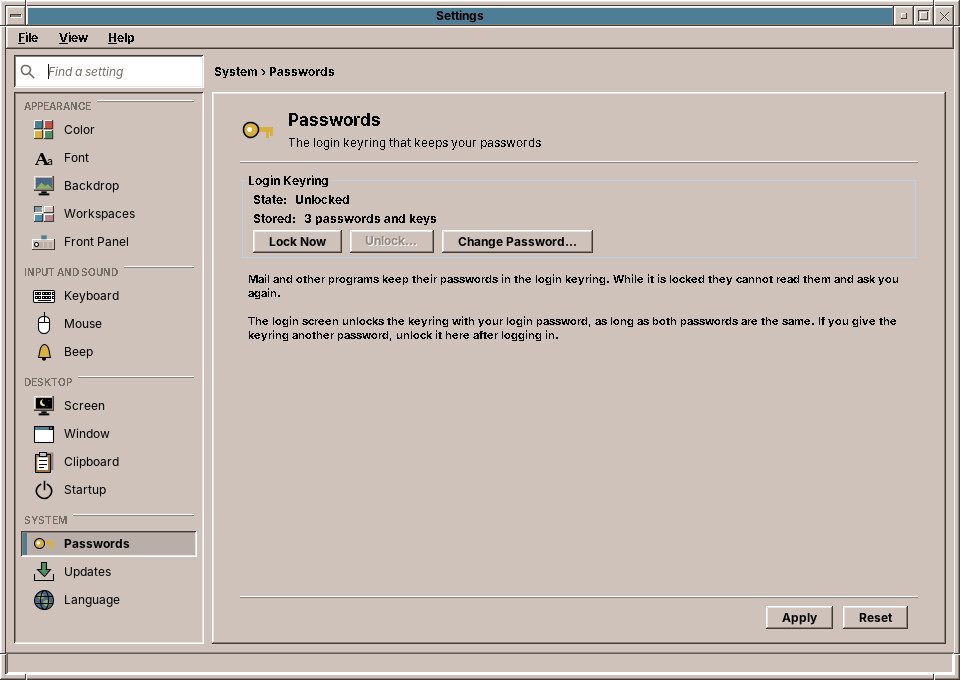
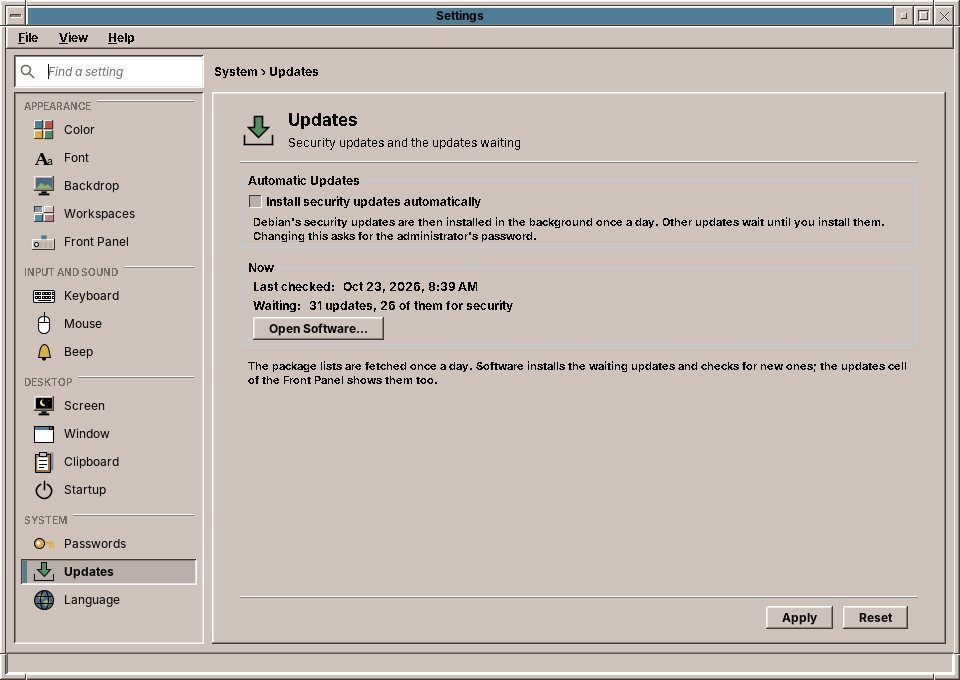
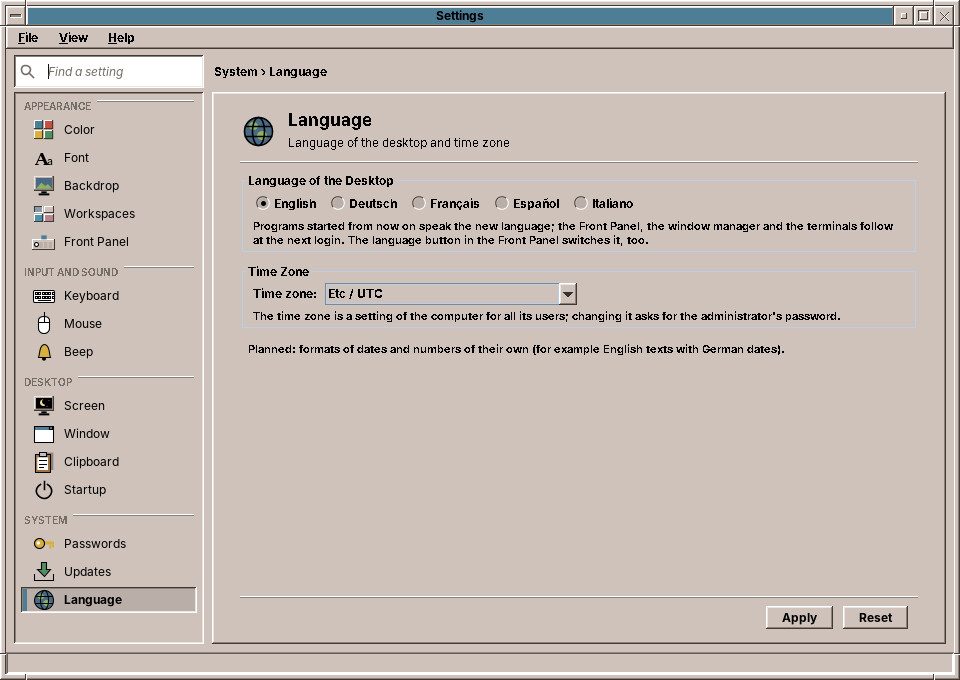
Settings shows every control in a sidebar with a search field, or, under View > Compact, as
CDE's row of buttons with a dialog each. Changes apply at once: the window manager, the panel and every amade
application follow the files in ~/.config/amadeos/.
Dialogs of the system
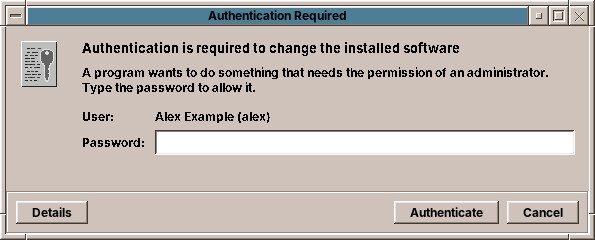
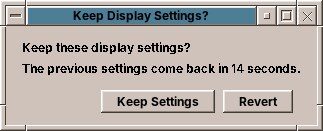
Where the system needs you, it asks in a window of the desktop, in your language and colours.
How Java talks to Linux: JNA
Java cannot speak to the X server or to PAM on its own. amadeOS uses
JNA (Java Native Access) for that: Java interfaces
that name the C functions of a system library, which JNA calls at run time. There is no C code to compile, so
every amadeOS package is the same for every processor (Architecture: all), and the whole binding
is readable Java in the module base of amadeos-system.
| Library | Debian package | Used for |
|---|---|---|
libX11 (Xlib) | libx11-6 | The window manager: about a hundred Xlib calls for events, reparenting frames, window properties (ICCCM, EWMH), focus, key and pointer grabs, selections and drawing. The lock and the panel use it too. |
| XKB (in libX11) | libx11-6 | The bell: the window manager turns the PC-speaker bell off and plays the tone through the sound card instead. |
libXfixes | libxfixes3 | The clipboard manager: the X server reports every new owner of the clipboard. |
libXss | libxss1 | The screen saver: the X server's idle time since the last key or mouse input. |
libpam | libpam0g | Login screen and screen lock: check the password, open and close the session, set up its environment (and with it the login keyring). |
libc | libc6 | The display manager: switch to the user (setuid, setgid, initgroups) before starting the session, and memory for PAM's conversation. |
And where a program does the job better
Not everything needs a native call. amadeOS uses Debian's own tools where they exist:
nmcli for the network, xrandr for monitors, xset and
xmodmap for keyboard and mouse, timedatectl for the time zone, apt through a small
root helper started with pkexec, and IPP spoken directly to CUPS. The handbooks explain each one:
Part VII of the User's Handbook and
Part VI of the Application Developer's Handbook.