A classic desktop, made new

The amadeOS desktop follows the Common Desktop Environment of the 1990s: a Front Panel with drawers, four named workspaces, Motif window frames and one place for all settings. Its display manager, window manager, panel and settings are new programs in Java.

Front Panel
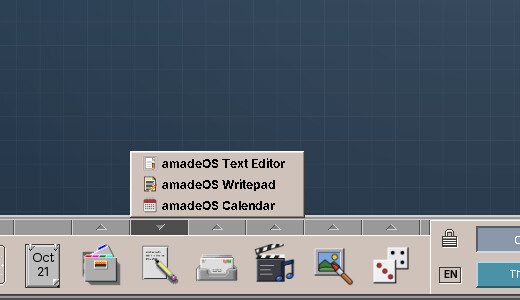
The Front Panel with the Text & Office drawer open
The Front Panel: clock, calendar, workspaces and drawers that fill themselves with the installed programs.
Workspaces
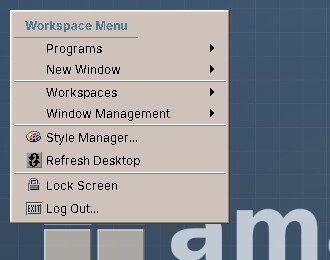
The workspace menu on the desktop
Four workspaces with names and backdrops of their own; a click on the desktop opens the workspace menu.
Windows
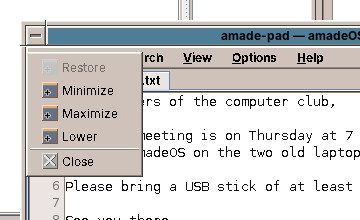
A window with its window menu open
Motif window frames with the window menu: move, resize, minimise to an icon, close.
Alt+Tab
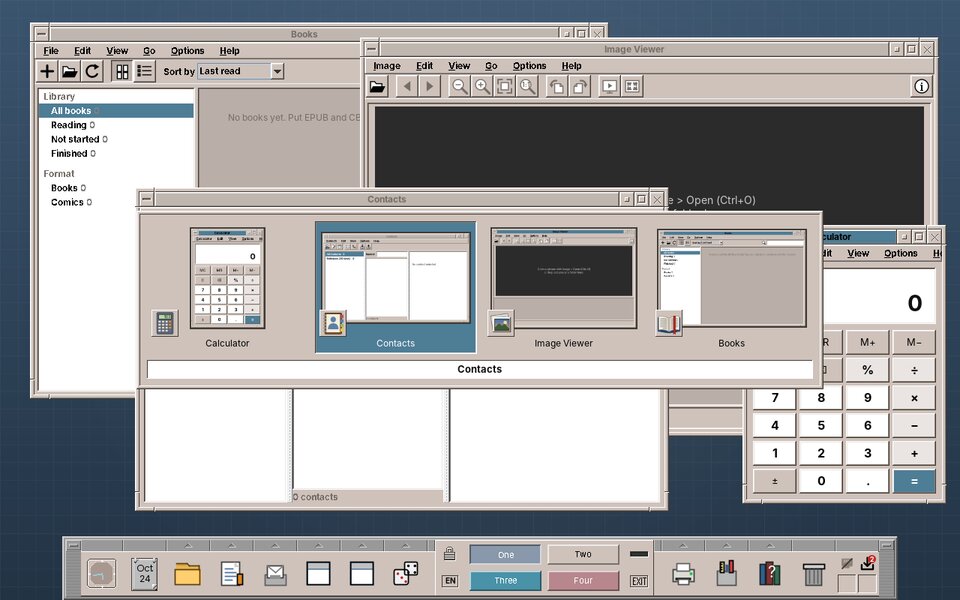
The Alt+Tab switcher with small pictures of the open windows
Alt+Tab switches between the open windows, with a small picture of each, as on Windows.
Settings
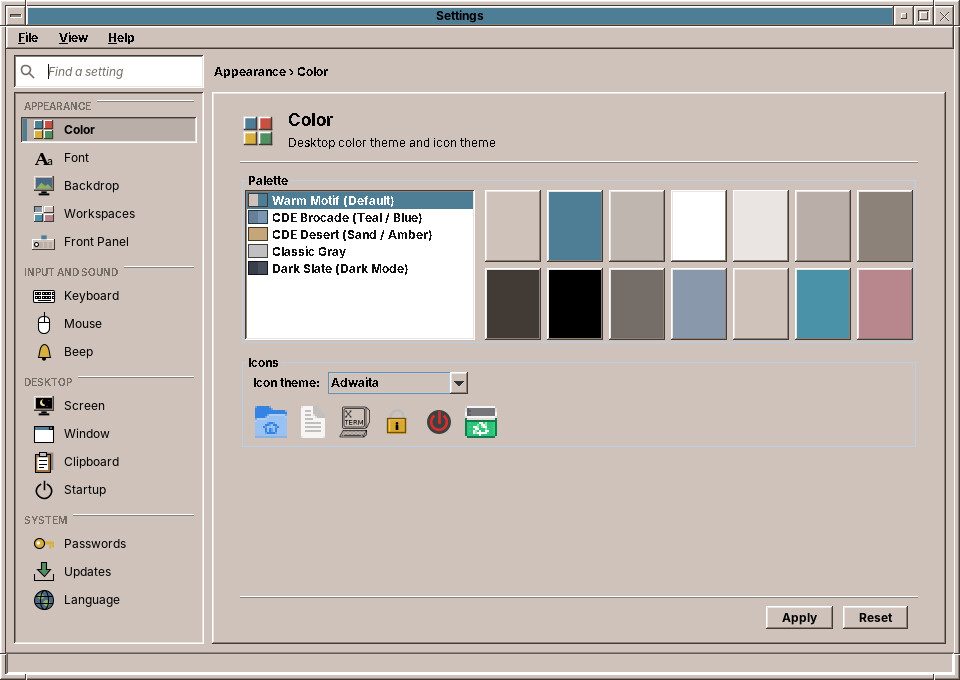
The Settings window with its sidebar
Settings: colour palettes, backdrops, fonts, keyboard, mouse, display, passwords, updates and language in one window.
Colour
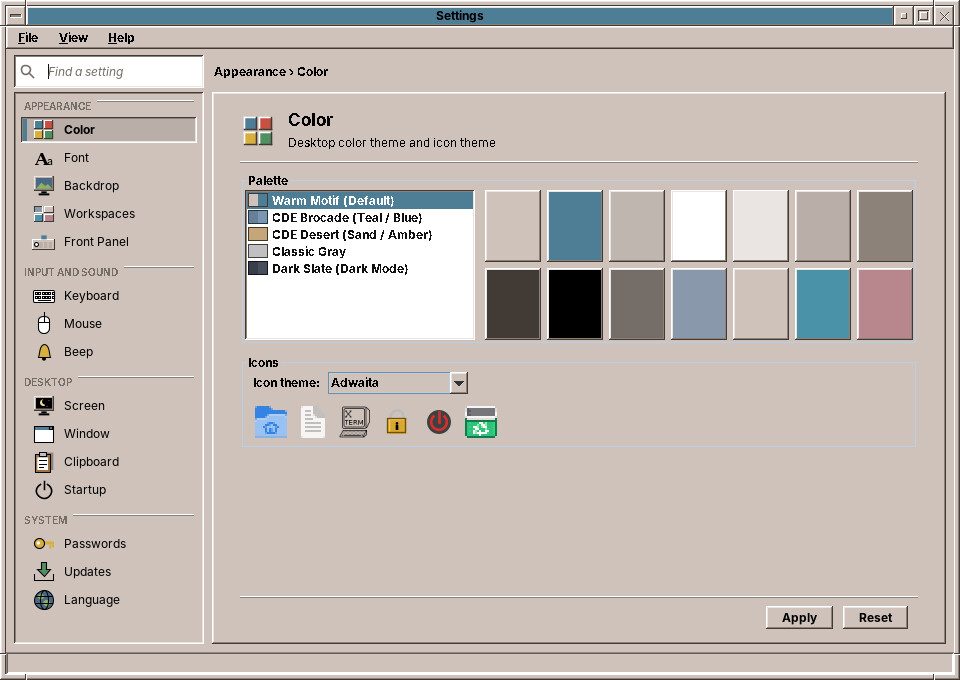
The colour palettes in Settings
Colour palettes from CDE and new ones; windows, panel and applications change together.
Backdrop
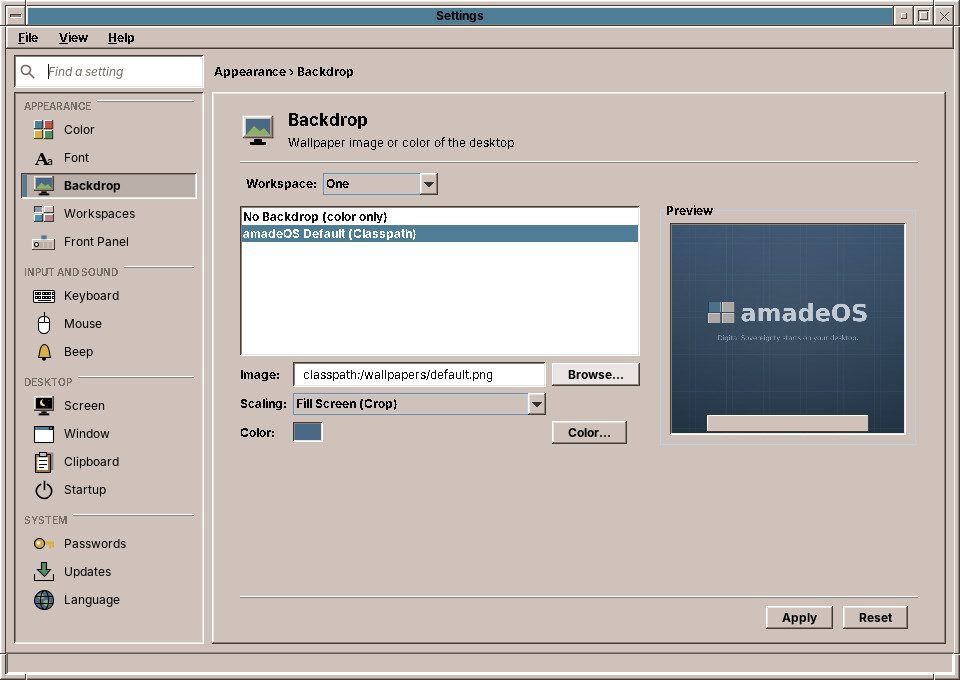
The backdrops in Settings
The original CDE pattern backdrops, in the shades of the chosen palette, or your own pictures.
Login
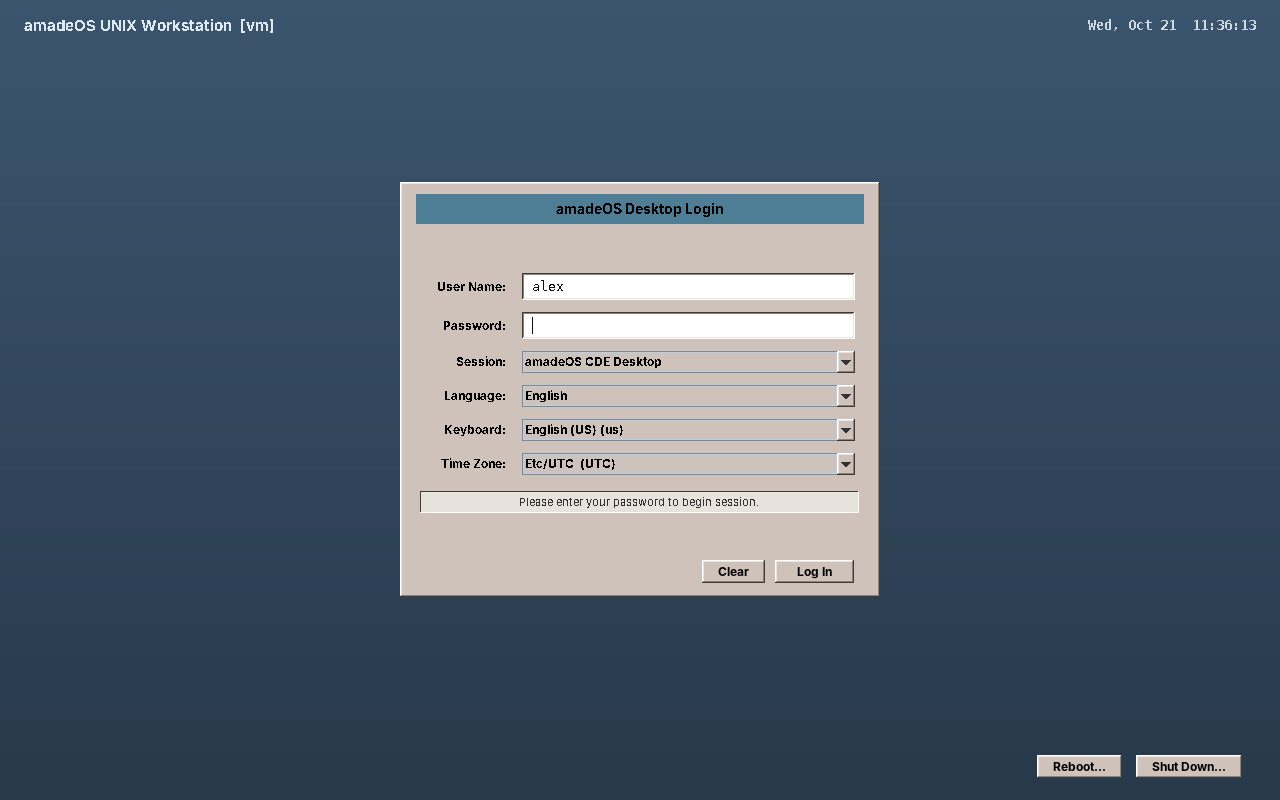
The amadeOS login screen
The login screen, where you also choose the language of the session: English, Deutsch, Français, Español or Italiano.
Software
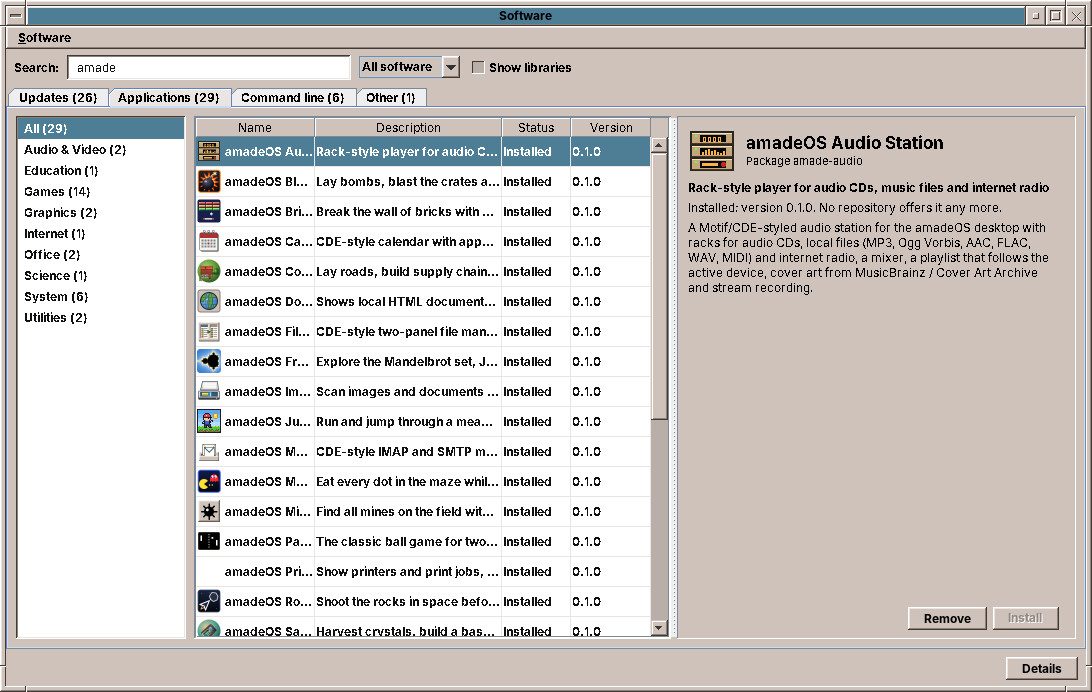
The Software program with the catalogue of programs
Software: updates and thousands of Debian programs, installed with one click.
Installer
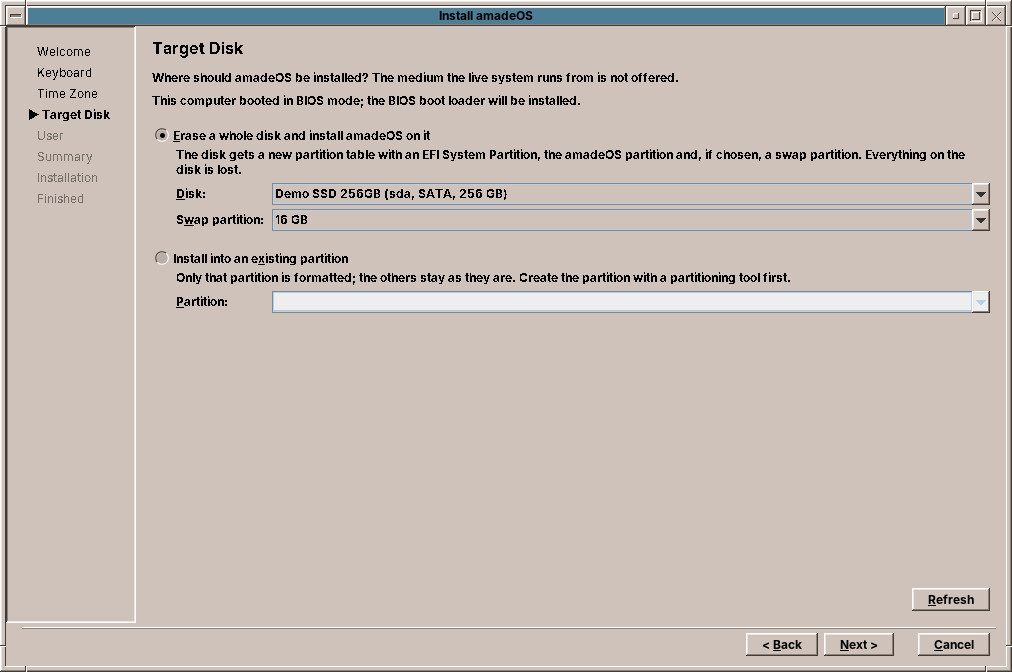
The installer choosing a disk
Install amadeOS: language, keyboard, time zone, disk and first user, on its own or next to Windows.
Display
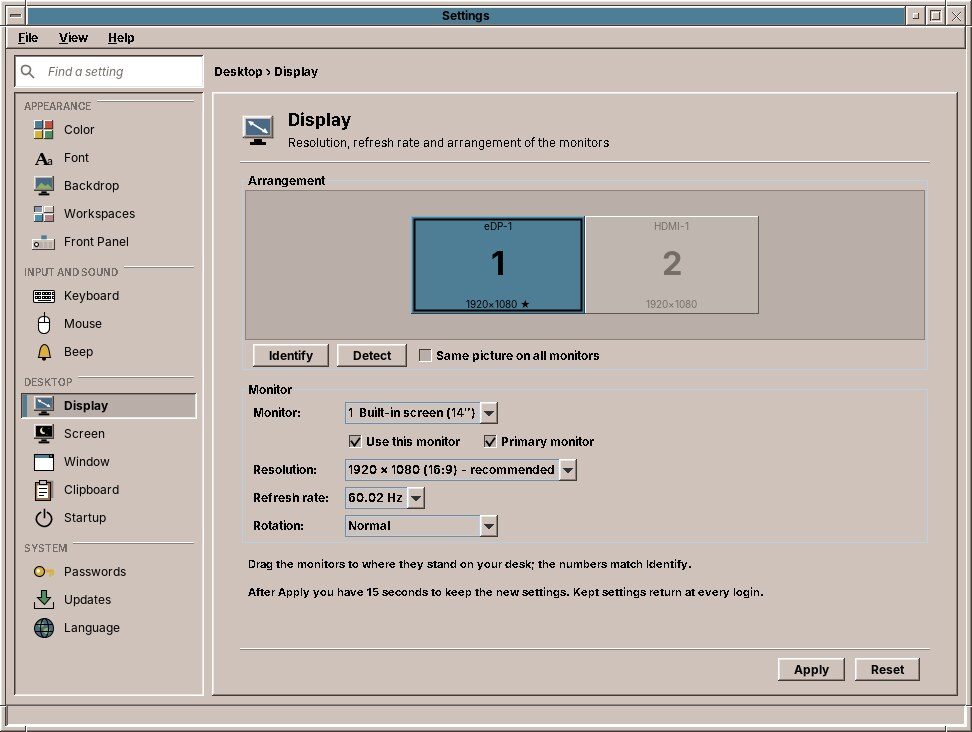
The Display page in Settings
Screen resolution and refresh rate, with a safe "Keep these settings?" countdown.

Under the hood

The desktop consists of a few Debian packages: the display manager with the login screen, the session with screen lock and screen saver, a reparenting X11 window manager, the Front Panel and Settings. The window manager speaks the ICCCM and EWMH standards, so programs that are not written in Java work as well. Part VII of the User's Handbook explains how it all fits together, and What amadeOS adds to Debian gives an overview.