Get amadeOS
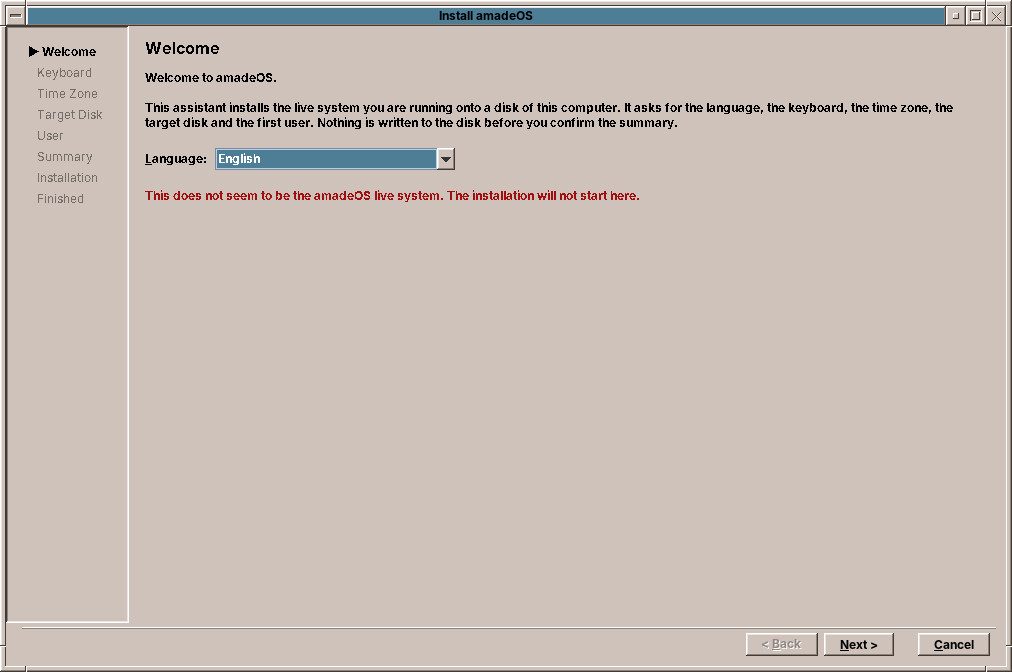
amadeOS comes as one image file for a USB stick. It starts as a live system that changes nothing on your computer, and installs onto the disk from there, on its own or next to Windows.
amadeOS 1.0.0
Released on 27 October 2026. One image for 64-bit PCs, 1.4 GB.
Check the download
The SHA-256 checksum of amadeos-1.0.0-amd64.iso is
74697532e3712f8975d083d52f163260e24d8168f64af896b92b89ab1345dd20Download the checksum file next to the image and check it with
sha256sum -c amadeos-1.0.0-amd64.iso.sha256Chapter 12 of the User's Handbook explains how to write the image to a USB stick and chapter 14 how to install amadeOS. Older and newer versions are on the releases page.
Build it yourself
You can also build the image from the source code with one script:
git clone https://github.com/amadeos-eu/amadeos.git
cd amadeos
./buildDistribution.sh
The script fetches and builds the desktop, the applications and the games and writes
artifacts/amadeos-amd64.iso. It needs Debian or Ubuntu with Java 25 and live-build.
Chapter 11 of the User's Handbook
explains every step.
What you need
| Minimum | Recommended | |
|---|---|---|
| Processor | 64-bit Intel or AMD | Two cores or more |
| Memory | 2 GB | 4 GB or more |
| Disk | 8 GB | 20 GB or more |
| Screen | 1024 × 768 | 1280 × 800 or more |
| Start-up | BIOS or UEFI | UEFI, Secure Boot works |
| USB stick | 4 GB or more | |
A computer that ran Windows 10 well is usually more than enough. No 3D graphics needed.