Bonus: the Classic look

amadeOS began as a new Common Desktop Environment, and that look is still there: the Front Panel with drawers, four named workspaces, Motif window frames and the backdrops of CDE. Choose Classic (CDE) in the login screen's session field or under Settings > Desktop look; the windows, the panel and the programs switch right away.

Front Panel
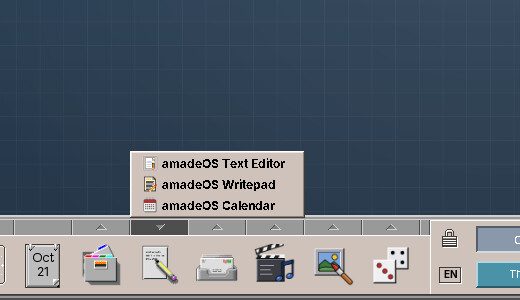
The Front Panel with the Text & Office drawer open
The Front Panel: clock, calendar, workspaces and drawers that fill themselves with the installed programs.
Workspaces
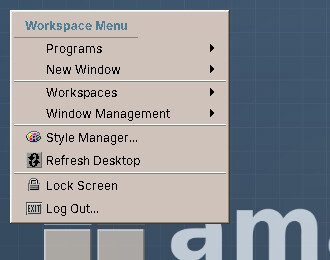
The workspace menu on the desktop
Four workspaces with names and backdrops of their own; a click on the desktop opens the workspace menu.
Windows
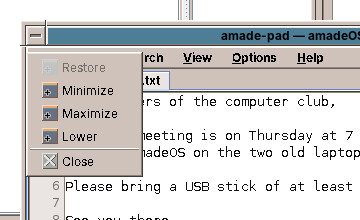
A window with its window menu open
Motif window frames with the window menu: move, resize, minimise to an icon, close.
Colour
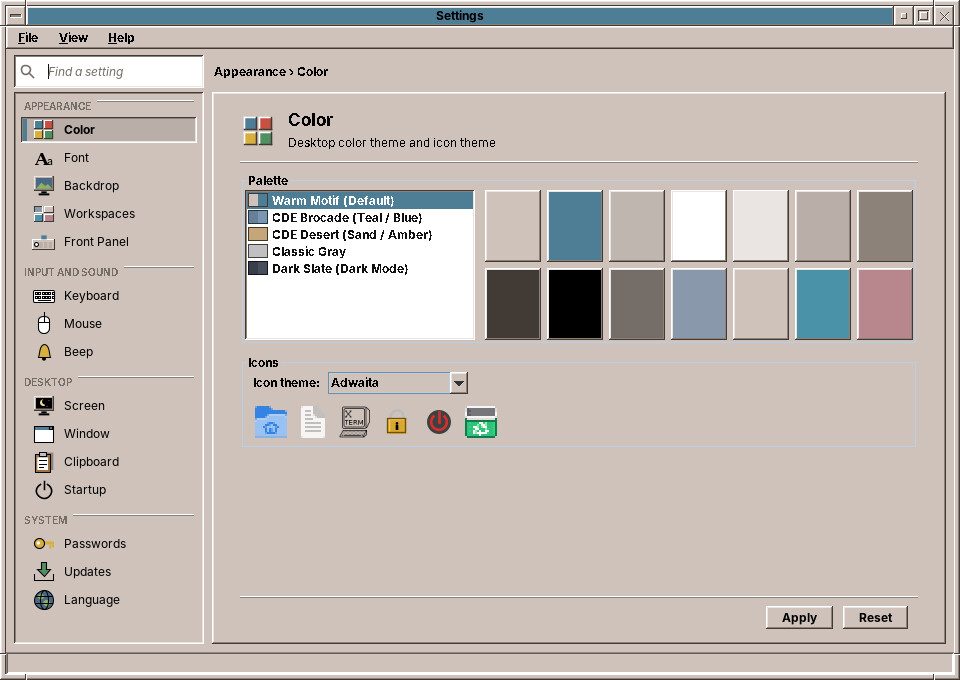
The colour palettes in Settings
Colour palettes from CDE and new ones; windows, panel and applications change together.
Backdrop
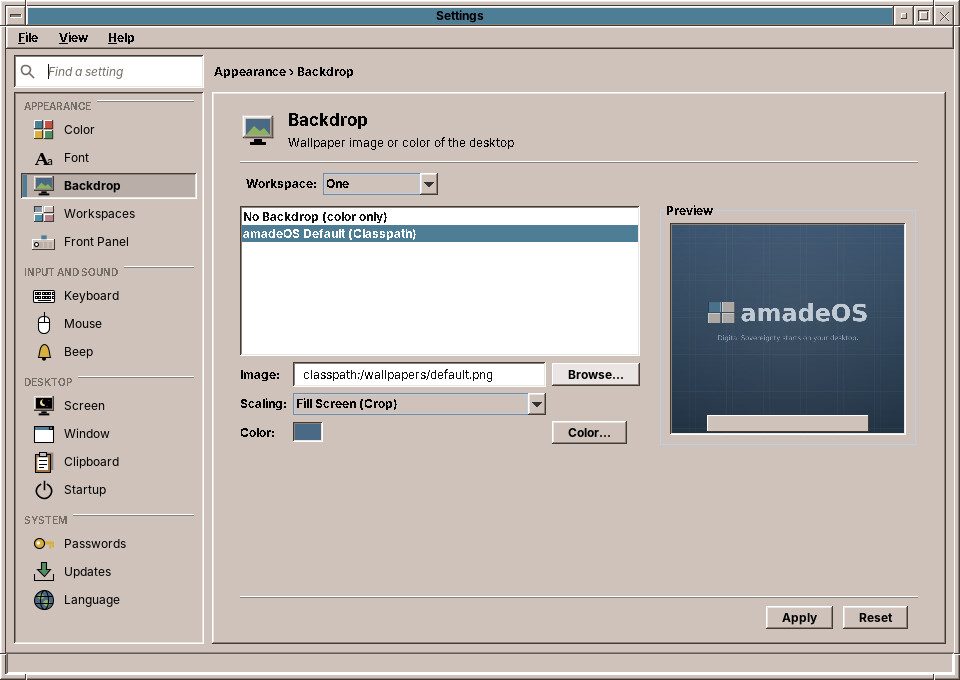
The backdrops in Settings
The original CDE pattern backdrops, in the shades of the chosen palette, or your own pictures.